Outscraper is a data platform. LeadsAgent is a lead gen tool. They both scrape Google Maps — but they're built for very different people.
If you're a web agency or freelance developer trying to find businesses that need a website, you don't need a data enrichment API. You need a lead list in 5 minutes. Here's how the two compare.
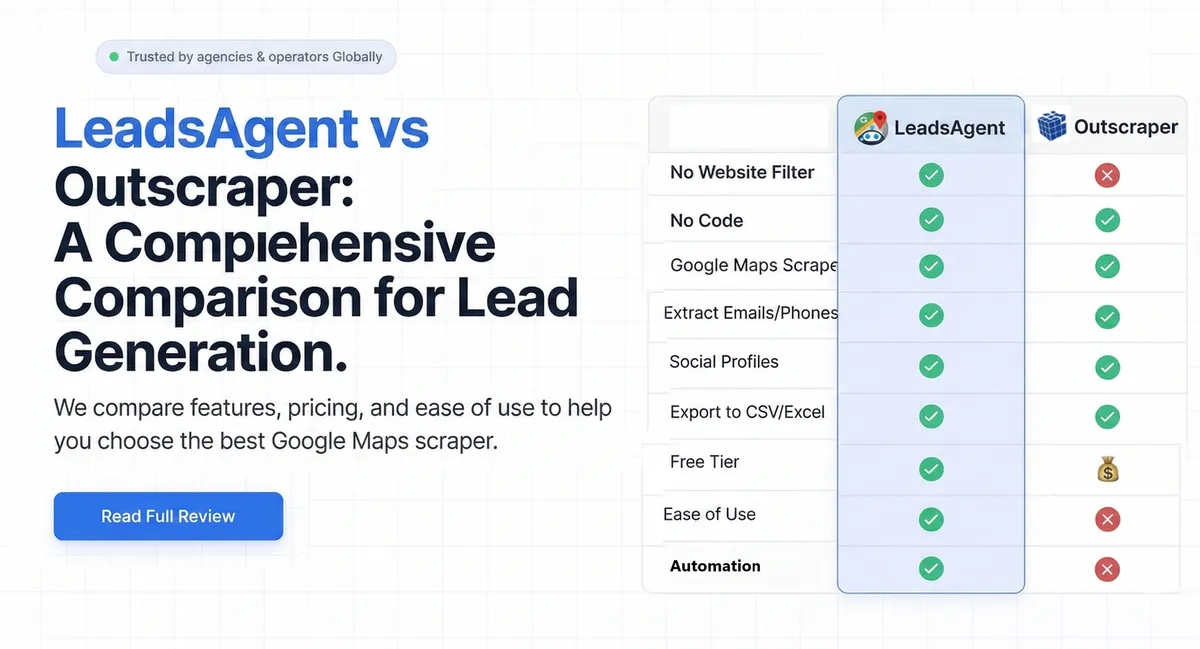
TL;DR: Outscraper is a cloud API with pay-as-you-go pricing ($3 per 1,000 results after 500 free). LeadsAgent is a free Chrome extension (1,000 leads/month, no card) with a built-in no-website filter. AI runs your search automatically. For agencies hunting businesses without websites, LeadsAgent is faster and cheaper.
Outscraper: data enrichment platform, not a prospecting tool
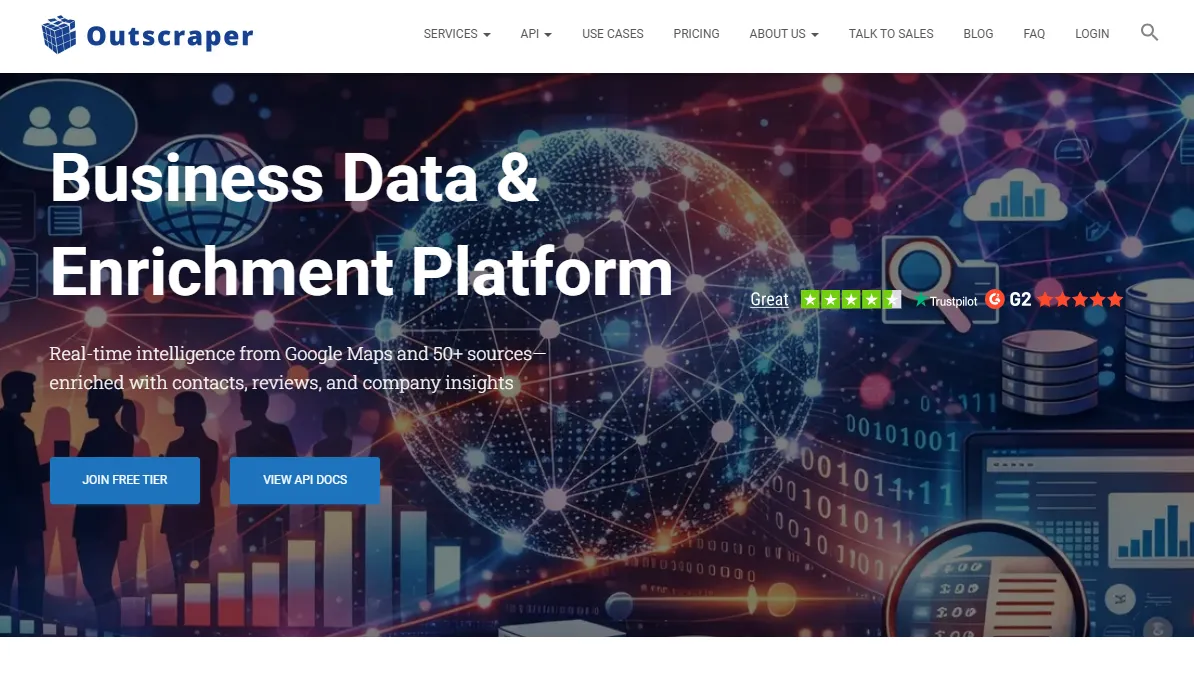
Outscraper (outscraper.com) positions itself as a "business data and enrichment platform." It pulls from Google Maps plus 50+ other data sources, enriches records with emails and social profiles, and gives API access to developers who want custom pipelines.
Where it's strong:
- Pay-as-you-go pricing — no locked-in monthly subscription
- 500 free scrapes per month to start
- Email and social enrichment baked in
- API + integrations (Zapier, Make, webhooks)
- Handles large-scale multi-source data queries
Where it falls short for agencies:
- No browser extension — it's a web dashboard you log into separately
- No AI automation — every search requires manual keyword and location setup
- No-website filter is available but buried — requires extra clicks to configure
- Costs climb fast: $3 per 1,000 records after the free tier, enrichment billed on top
- Designed for data engineers, not for an agency owner who just wants to press go
LeadsAgent: describe your target, get a lead list
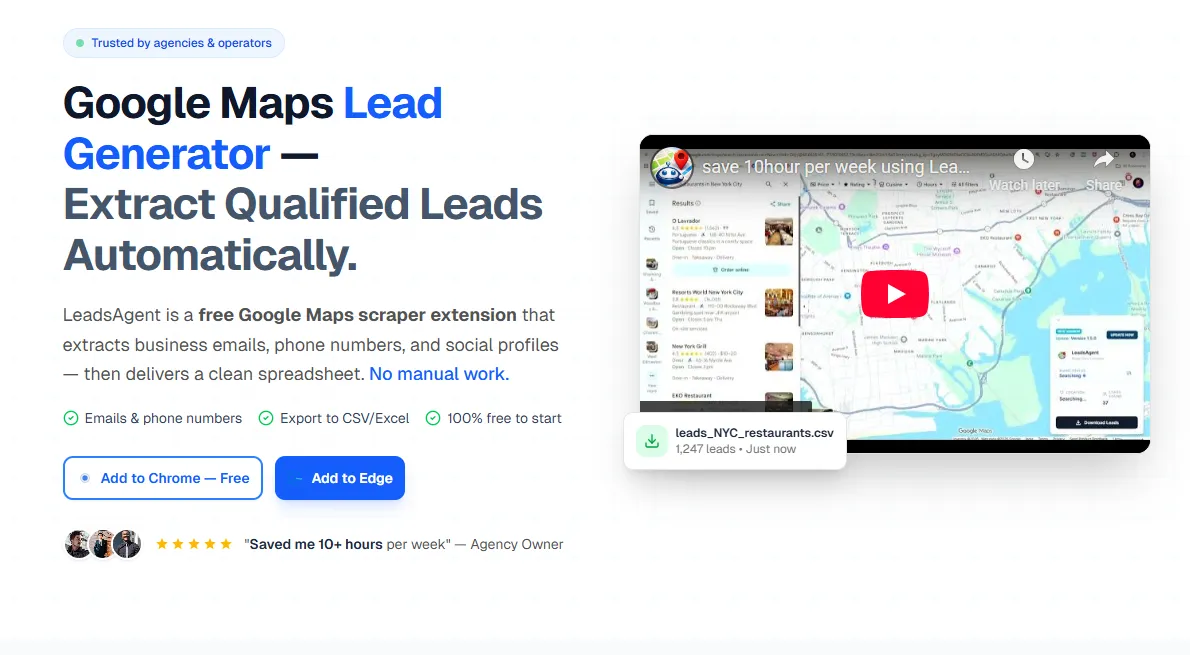
LeadsAgent (leadsagent.io) runs inside your browser, directly on Google Maps. Type what you want — "electricians in Phoenix without a website" — and the AI agent handles the rest.
Why agencies pick this over Outscraper:
- No-website filter built right in. Just describe it: "Plumbers in LA without a website." Done
- 1,000 leads free per month — double Outscraper's 500, no credit card, no per-result billing
- Runs where you work. Chrome or Edge extension, no separate platform to log into
- Emails from actual websites. The agent visits each business's site and pulls publicly listed contact info
- Zero configuration. No API tokens, no coordinates, no setup. Install, describe, download
Quick comparison
| LeadsAgent | Outscraper | |
|---|---|---|
| Built for | Agencies, web devs, sales | Data engineers, researchers |
| Free leads | 1,000/month | 500/month |
| Paid pricing | Tiered plans | $3 per 1,000 records |
| No-website filter | Built-in, plain English | Available but manual |
| Browser extension | Chrome + Edge | No — cloud dashboard only |
| AI automation | Yes | No |
| Email extraction | From business websites | Enrichment add-on, extra cost |
| Setup needed | None | Account + config required |
Who should use what?
Use Outscraper if you're a developer building a data pipeline, need API-level access, or you're pulling from multiple sources beyond Maps. It's genuinely powerful — just not designed for quick daily prospecting.
Use LeadsAgent if you sell websites or services to local businesses. The no-website filter is the single biggest reason agencies switch — you describe your ideal client, the agent finds them, you download the list. That's it.
64% of small businesses in trades still operate without a website (SCORE, 2024). If web design is what you sell, those are your prospects. LeadsAgent finds them for you. (Once you've got your list, our guide to finding web design clients using Google Maps shows you how to turn those contacts into booked calls.)
Try LeadsAgent free — 1,000 leads/month, no card required
How agencies find plumbers without a website in 5 minutes