

TL;DR
Google Maps blocks scrapers with a triple-threat defense: reCAPTCHA v3, IP rate limiting, and browser fingerprinting. The fix isn't solving CAPTCHAs — it's avoiding them entirely through residential proxies, headless browser stealth, and human-like request patterns. Here's exactly how to do it.
Google Maps Extractor
So you want to build a Google Maps extractor. Great. You write a script, hit run, and then — CAPTCHA. Every single time. Here's what nobody tells you about the thing you're actually fighting.
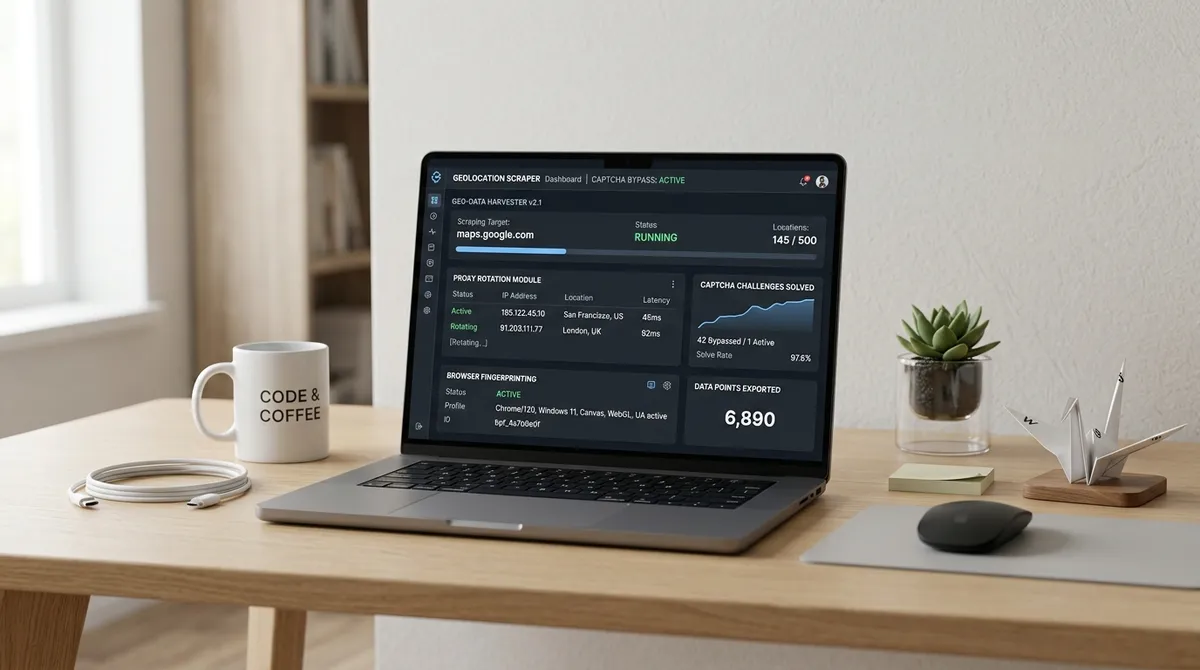
Google Maps runs three anti-bot layers simultaneously. A Custom WAF that checks your TLS fingerprint the moment your request hits (Source: Scraperly's 2026 testing). reCAPTCHA v3 silently scoring every visit from 0.0 to 1.0 — no puzzle, no warning, just a number that decides whether your data flows or stops. And IP rate limiting that throttles you after roughly 30 to 100 place detail requests per day per residential IP.
I spent three Saturdays debugging this exact problem. Past Me — that impatient idiot who thought "just add a delay" would fix everything — kept hammering the same endpoint with the same IP, wondering why Google kept ghosting me.
The thing is, reCAPTCHA v3 doesn't even tell you you've been flagged. It just quietly lowers your score until one day you're below the threshold, and the data stops. Two-minute token validity window. Single-use tokens. If your pipeline takes longer than 120 seconds between token generation and submission, it fails silently (Source: reCAPTCHA verification docs). Fun, right?
Google SERP Scraping
Google SERP scraping — Search Engine Results Page scraping, if acronyms aren't your thing — runs into the same core problem as Maps, just through different endpoints. Google's SearchGuard system (that's the internal name for their bot detection layer) tracks four categories of behavior in real time: mouse movement trajectory, keyboard rhythm, scroll behavior, and timing jitter (Source: Autom.dev's SearchGuard teardown).
Here's the creepy part: it monitors over 100 DOM elements for automation signatures. It checks navigator.webdriver (true = busted). It scans for ChromeDriver's $cdc_ prefixes. It runs your TLS handshake through JA3 fingerprinting before your page even loads. Simple HTTP libraries like Python's requests get flagged instantly — their TLS cipher suite looks nothing like Chrome's (Source: ByteTunnels' detection evolution timeline).
The detection threshold for mouse velocity variance? Under 10 is flagged as bot. Normal human variance falls between 50 and 500. That's the gap. And Google's watching.
Scraping Google Results
When scraping Google results at any real scale, proxies aren't optional — they're the whole foundation. Datacenter IPs from AWS, DigitalOcean, or OVH get detected within 20 to 50 requests and start receiving a permanent diet of CAPTCHAs (Source: SpyderProxy's research).
Here's the proxy math that actually matters:
| Proxy Type | Success Rate | Throughput Per IP | Best For |
|---|---|---|---|
| Free / Public | 0-2% | N/A | Absolutely nothing |
| Datacenter | 10-25% | 20-50 req/hr | Not Google Maps |
| Rotating Residential | 85-93% | 30-80 req/hr | Most scraping projects |
| Mobile 4G/5G | 95-98% | 50-100 req/hr | Maximum reliability |
The winning rotation strategy: sticky sessions for individual search queries. Keep one IP through a full scroll-and-extract pass — that looks like a real user. Then rotate for the next query. Rotating mid-query? That looks robotic, and Google's model catches it faster than you'd think.
And randomize everything. Your scroll timing should vary between 1.5 and 3.5 seconds. Your search order shouldn't be alphabetical (don't run "plumbers in Dallas" then "plumbers in Denver"). Your viewport size should change between sessions. Google's statistical model expects natural variance — your job is to give it noise, not a clean signal.
Scrap HTML
Let's talk about scrap HTML. Or more precisely, why scraping raw HTML from Google Maps is a strategy that stopped working around 2017.
Google Maps is a JavaScript SPA built on Polymer. The initial HTML response is a skeleton — all business data loads through internal API calls with cryptographically signed parameters. Fetch the page directly and you get an empty shell (Source: Aethyn's scraping guide).
You need a full browser. Playwright or Puppeteer through a residential proxy, with stealth patches that mask navigator.webdriver, spoof canvas and WebGL fingerprints, and present realistic Chrome runtime properties. The detail almost everyone misses: Google Maps loads results into a scrollable side panel (div[role='feed']), not the main window. Scroll the window and you get maybe 12 listings. Scroll the feed element until Google appends "You've reached the end of the list" — you get everything.
And if you do hit a CAPTCHA? Don't try to solve it. Rotate to a fresh IP immediately. Fighting a CAPTCHA from the same IP just trains Google's risk model that this address is definitely a bot — and that reputation persists for hours, sometimes days (Source: proxyscraping's reCAPTCHA analysis).
This is exactly where LeadsAgent changes the game. Instead of building and maintaining proxy infrastructure, stealth patch logic, and rate-limiting orchestration yourself — you describe what you need in plain English and let the agent handle the extraction pipeline. It searches Google Maps, visits business websites, verifies contact data, and builds your spreadsheet. Without you ever touching a Playwright config.
FAQ
What triggers a Google Maps CAPTCHA challenge? reCAPTCHA v3 scores every visit silently. Too many requests from one IP, missing browser fingerprints, no mouse movement, perfectly consistent timing intervals — any of these push your score below the threshold where Google starts blocking.
Can I use datacenter proxies for Google Maps? Technically yes, practically no. Datacenter IPs get identified within 20-50 requests with a 10-25% success rate. Rotating residential proxies achieve 85-93% — the difference between a scraper that works and one that doesn't.
Is scraping Google Maps legal? Under US law, scraping publicly visible business data is legal. The hiQ v. LinkedIn (9th Circuit, 2022) and Meta v. Bright Data (2024) rulings both confirmed that accessing public data without bypassing login doesn't violate the CFAA (Source: Scrap.io legal analysis). Google's ToS prohibit it on a civil level, but that's a very different thing from criminal liability.
How many requests per IP are safe? Stay under 10 requests per minute and under 100 place detail requests per day per residential IP. Beyond that, you're asking for CAPTCHAs.
What's the single most effective technique? Residential rotating proxies. Nothing else comes close. A clean residential IP with proper browser fingerprinting avoids 90% of CAPTCHAs before they appear.
Do I need a headless browser for Google Maps? Yes. Google Maps is a JavaScript SPA — the raw HTML is empty. Playwright or Puppeteer is mandatory to execute JavaScript and extract dynamically loaded content.
How does reCAPTCHA v3 differ from v2? v3 is invisible. It assigns a score from 0.0 to 1.0 without showing any challenge. v2 shows a checkbox or image grid. v3 scores every page visit silently — you never know you've been flagged until the data stops flowing.
What should I do when I hit a CAPTCHA? Stop immediately and rotate to a fresh residential IP. Don't try solving from the same IP — that reinforces the negative reputation. Give that IP a 24-hour cooldown before reusing it.
If maintaining proxy pools, stealth browsers, and rate-limiting logic sounds exhausting — I get it. That's exactly why LeadsAgent exists: a browser extension that handles the entire extraction pipeline so you focus on leads, not infrastructure.


