

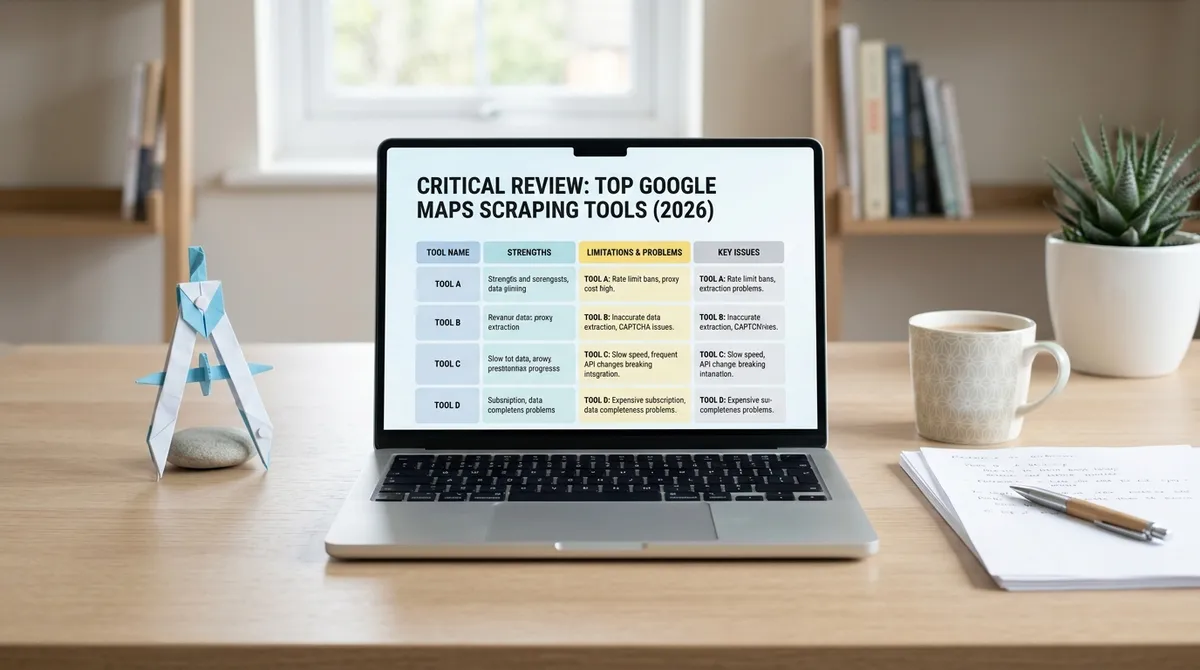
I tested eight Google Maps scraping tools over three months. Chrome extensions, cloud platforms, APIs, desktop apps — I ran the same search on every one. The marketing pages look identical, but the experience is wildly different. Some break every time Google updates Maps. Some cost three times what they advertise. Here is how I think about this landscape and what actually holds up.
Google web scraping tools in 2026 are not created equal
Google Maps earns a difficulty score of 90 out of 100 on the ScrapeOps benchmark, meaning every tool fights the same anti-bot mechanisms — dynamic JS rendering, reCAPTCHA v3, and per-IP rate limits. Tools using proxy rotation and server-side extraction beat the ones that just scroll the sidebar harder.
| Tool | Type | Starting Price | Email Extraction | Best For |
|---|---|---|---|---|
| LeadsAgent | Agentic web app | Free / current paid tiers | Email discovery + syntax/DNS/MX status | Agentic B2B lead discovery |
| Octoparse | Desktop + cloud | $83/mo | Manual setup | Complex geographies |
| Apify | Cloud platform | ~$4/1K places | Separate actor | Developers |
| Outscraper | Cloud API | $3/1K records | Add-on | API-first teams |
| PhantomBuster | Automation | $69/mo | Add-on | Multi-channel workflows |
How to scrape a website without losing your mind
Most tools will break within weeks. Chrome extension scrapers depend on Google's DOM structure, which Google has been aggressively updating throughout 2025 and 2026. Every interface change means the tool stops working until the developer pushes a fix. Google's Manifest V3 migration has also limited what extensions can do in the background.
And here is the real problem: Google Maps shows about 120 places per search. This is a UI limit, not anti-scraping. Tools that accept this ceiling miss thousands of listings. The better ones split target areas into multiple geographic seeds. If your scraper does not address the 120-result ceiling, you are leaving most of a city's businesses out of your export.
If your extraction keeps failing, check my breakdown of Google Maps scraper not working for the seven most common reasons and fixes.
Free web scraping tool options have real trade-offs
Every free tier comes with limitations. Outscraper gives 500 free records per month. Apify offers $5 in credits. Chrome extensions advertise "unlimited free scraping" but extract from your own IP, which works for small jobs and becomes a liability on repeated runs.
Free tiers cap volume, exclude email enrichment, lack proxy protection, and omit scheduling. If you need fewer than 500 leads once, free tools work. If you need consistent weekly extraction, you are on a paid plan within the first month. Scraped emails without verification have 30 to 50 percent bounce rates, and rates above 5 percent kill sender reputation.
| Tool | Free Tier | Actual Limits |
|---|---|---|
| Outscraper | 500 records/mo | No email enrichment |
| Apify | $5 credit/mo | Not enough for ongoing campaigns |
| LeadsAgent | Free, no credit card | Full agentic extraction for testing |
| PhantomBuster | 14-day trial | 2 hours execution, 10 row export |
If extraction keeps failing mid-run, my post on Google Maps data extraction failed covers the most common error patterns.
Screen scraping tool comparison: what works for lead generation
Most comparisons evaluate tools on records per query, data fields, and cost per lead. Those matter if you want a spreadsheet. They are incomplete if you want clients. A web design agency does not need 10,000 restaurants. It needs businesses without websites, sorted by review count so the ones doing well enough to afford a redesign rise to the top.
Outscraper gives the most fields per business — 53 base, up to 75 with enrichment. Apify is fastest on full-data runs but its geo accuracy is loosest — only 7 percent hit the exact zip code in one benchmark. Google filed a DMCA lawsuit against SerpApi in December 2025, with a hearing scheduled for May 2026. If the court sides with Google, platforms built on SerpApi need a contingency plan.
Skip the maintenance headaches — open LeadsAgent. It is an agentic, web-based B2B lead finder: describe the companies you want to reach, and the agentic workflow discovers matching businesses, gathers available public website and contact signals, enriches company, decision-maker, and social-profile data where available, and reports field-level verification status for review. A No-Website Filter helps agencies find businesses without a site.
What I actually recommend
It depends on your technical level, volume, and whether you need enriched data. Apify gives developers flexibility. Outscraper offers pay-per-record simplicity. Octoparse handles complex geographies with no-code scraping.
But if you are an agency, founder, or operator who wants fresh local leads without manual prospecting — and you do not want to hire a developer — LeadsAgent is a workflow worth evaluating. The Free plan includes 1,000 free leads; paid plans add volume and background capacity. Use the current pricing page for live plan limits and terms.
Start with LeadsAgent — describe the businesses you need, let the workflow research available public signals, then review and export the records.
FAQ
Why do Chrome extension scrapers keep breaking?
Chrome extensions depend on Google's DOM structure, which Google updates frequently. Every interface change breaks the selectors until the developer pushes a fix. Manifest V3 has also limited background processing, reducing what extensions can reliably do.
What is the 120-result limit?
Google Maps shows about 120 places per search view — a UI limit, not anti-scraping. Tools that accept this ceiling miss thousands of listings. Better tools split target areas into geographic seeds to bypass it.
How much do scraping tools actually cost?
Chrome extensions range from free to $47 one-time. Cloud platforms like Apify cost $2 to $6 per 1,000 records. Outscraper starts at $3 per 1,000. Subscriptions like Octoparse start at $83 per month. Email enrichment adds $3 to $10 per 1,000 records.
What makes LeadsAgent different?
LeadsAgent uses an agentic, prompt-driven web workflow — you describe the leads you need, and the agent discovers businesses, visits available public websites, enriches available records, and reports field-level status before you review and export. Email statuses reflect supported syntax and DNS/MX checks; they do not confirm mailbox existence or inbox delivery.
Free tool or paid platform?
Free tiers work for one-off jobs under a few hundred records. For ongoing campaigns, paid plans are necessary because free tiers cap volume, exclude enrichment, lack proxies, and omit scheduling. The real cost is the manual qualification work after extraction.


