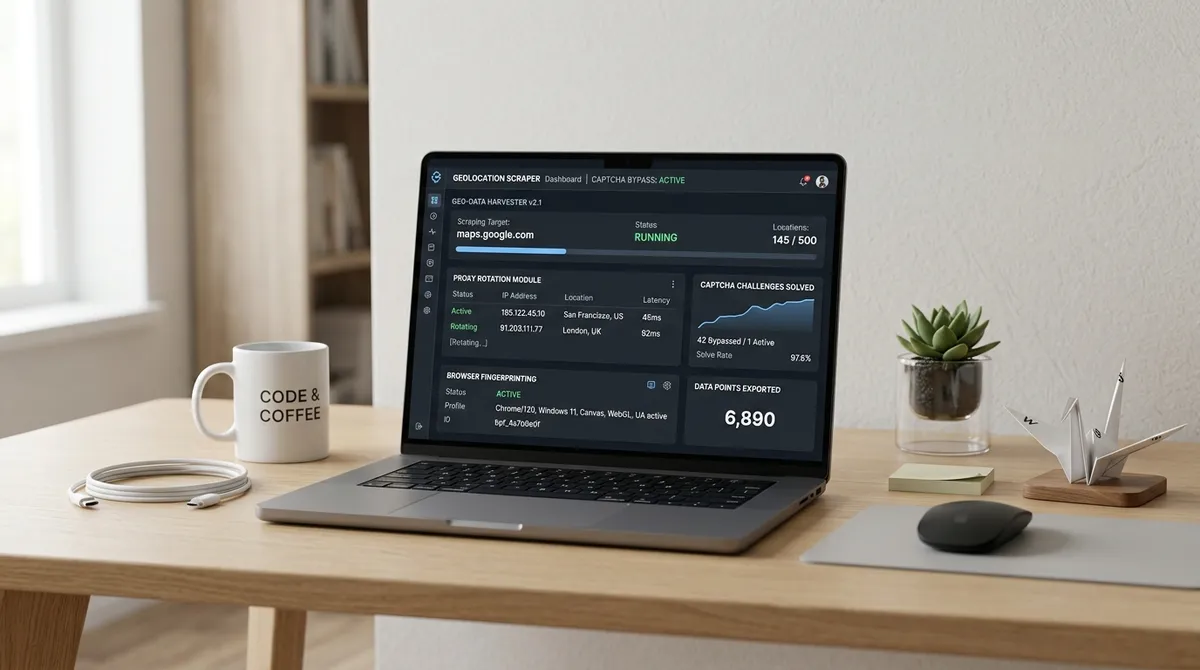
TL;DR: I spent a month building a rotation system for Google Maps scrapers so you don't have to. The trick isn't more proxies — it's coordinating IP changes with user-agent swaps, TLS fingerprints, and timing so Google sees 50 different humans instead of one determined bot. Here is what I learned the hard way.
google maps reviews scraper
Eleven requests. That is how far I got before Google blocked my first Maps reviews scraper. Barely a warm-up. Google's Custom WAF cross-references your IP with your browser identity, so when a single Chrome 131 UA appearing from six countries in ten minutes flags you instantly Scraperly. The fix: build complete browser profiles where IP, user-agent, Sec-Ch-Ua, and TLS fingerprint rotate as matched pairs, never piecemeal.
| Strategy | IP Behavior | Session Length | Best For |
|---|---|---|---|
| Per-request | New IP every request | Single request | Stateless SERP queries |
| Sticky session | Same IP for 10-30 min | One complete flow | Multi-page pagination |
| Coordinated profile | IP + UA + TLS together | Per-query identity | Google Maps, hard targets |
google maps extractor
Here is what nobody tells you about building a Google Maps extractor: rotating IPs mid-query looks like a hijack because Google tracks sessions across requests SpyderProxy. The right pattern is sticky per query — hold one residential IP through a full search flow, then rotate to a fresh identity for the next query. Append -session-UNIQUE_ID to your proxy username to pin one exit IP for the session TTL ProxyHat.

I track three metrics: success rate per profile (below 80% means fingerprinted), CAPTCHA rate (above 5% means cadence is wrong), and session retirement rate DataImpulse. Start extracting with LeadsAgent — describe your leads in plain language, let the agent do the work.
FAQ
What is a Google Maps reviews scraper? A tool that extracts business names, ratings, reviews, and contact data from Google Maps listings. It automates hours of manual copy-pasting into a structured export.
How does IP rotation help avoid blocks? Google rate-limits to 30-100 place details per day per IP before triggering CAPTCHAs. A residential proxy pool distributes requests so no single address crosses that threshold.
Should I use sticky or rotating sessions for Google Maps? Sticky per query, rotating between queries. Hold one IP through search → scroll → details, then rotate. Mid-query rotation breaks session cookies and triggers blocks.
What user-agents should I use? 20-30 real browser UAs from 2026 — Chrome, Firefox, Safari at current versions. Avoid old strings (Chrome 90 from 2021 is a dead giveaway) and match the UA platform to the IP's geo-location.
Can I scrape without residential proxies? For about ten requests. Then datacenter IPs get flagged — Google maintains lists of known AWS, GCP, and Azure ranges. Residential is non-negotiable for sustained extraction.
How do I detect failing rotation? Watch CAPTCHA rate (spike above 5% = problem) and per-profile success rate (one profile dropping below 80% means it got fingerprinted and needs replacement).
How do sticky sessions work technically?
Append -session-UNIQUE_ID to your proxy username. The provider's gateway hashes that ID to pin you to one exit IP for the session duration (typically 5-30 minutes). Download LeadsAgent and start generating leads today.