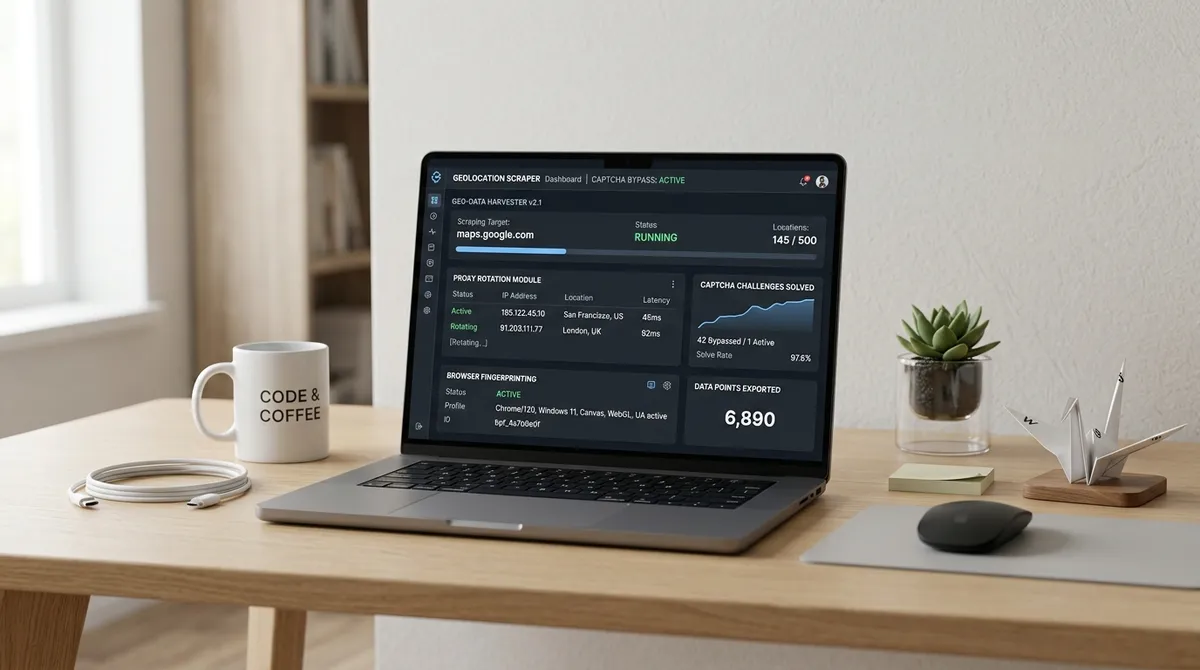



When I first started scraping Google Maps, my setup looked like a TEENAGER'S first car — held together with duct tape, HOPE, and a single for loop. It worked great for 50 businesses. Then I tried 50,000 and watched my computer transform into a SPACE HEATER that occasionally produced error messages.
Scaling data extraction from a SCRIPT to a SYSTEM is not a linear upgrade. It is a COMPLETE REWRITE of how you think about the problem. You go from "I'll just add another thread" to "wait, why is my entire building's internet down?" real fast. This is what I learned building extraction pipelines that handle MILLIONS of records without falling apart.
TL;DR: Scaling Google Maps extraction requires THREE architectural shifts: distributing work across a coordinated worker pool with message queues, managing proxy backpressure so you NEVER trip rate limits, and building a streaming data pipeline that validates, deduplicates, and stores without accumulating memory. Each shift solves a SPECIFIC failure mode that kills naive scrapers at volume. This guide walks through all three with real metrics, production patterns, and the EXACT failure scenarios you need to design around. Because I've hit EVERY one of them, and I'd rather you didn't.
Extracting Data from Website
The term "extracting data from a website" sounds SIMPLE until your extraction job needs to handle 100,000 businesses across 200 cities WITHOUT crashing. According to Scraperly's 2026 testing, Google Maps is rated HARD (4/5 difficulty) for scraping because it deploys Google Custom WAF, reCAPTCHA v3, and IP-based rate limiting that blocks naive scrapers within 100 requests per IP. The safe threshold hovers around 30–100 place detail fetches per IP per day before SOFT BLOCKS appear. THIRTY to ONE HUNDRED. Per IP. Per DAY. That's NOTHING when you need millions of records.
This means your extraction architecture CANNOT rely on a single machine or a single IP. It MUST distribute, rotate, and throttle across a fleet. Tools like LeadsAgent solve this at the application layer by handling the rotation and verification for you, but understanding what happens under the hood — the queue mechanics, proxy pool sizing, and pipeline validation — is what separates an ENTERPRISE system from a script that will fail at hour three of a twelve-hour job. (Ask me how I know hour three is the danger zone.) For a comprehensive guide on enterprise-level patterns and architectures, see my guide on scaling Google Maps data extraction for enterprises.
The data you extract from Google Maps is the RICHEST local business dataset on the planet, with over 200 million listings covering every category from plumbers to pet groomers, each carrying names, addresses, phone numbers, ratings, review counts, and operating hours. Getting ALL of it without losing records to memory crashes or IP bans requires an architecture that treats FAILURE as a normal state, not an exception. If you want to skip the architecture-building phase ENTIRELY and go straight to running extraction campaigns, try LeadsAgent — it handles the search, verification, and spreadsheet output so you can focus on outreach instead of queue backpressure.
Distributed Scraping Architecture
The single BIGGEST mistake I see in scaling projects is treating distributed scraping like parallel computing — JUST throw more threads at the problem. But web scraping is an I/O-bound, POLICY-CONSTRAINED activity. Aethyn's production research shows that teams running distributed scrapers get 85-93% success rates with rotating residential proxies, compared to 10-25% with datacenter IPs that get blocked within 20-50 requests on Google Maps. That's not a small difference. That's the difference between "this works" and "why is everything on fire."
The architecture that WORKS separates into FIVE independent layers: a request scheduler that manages the URL frontier with per-domain rate limiting, a message queue (Redis for moderate loads, RabbitMQ or Kafka for MASSIVE scale), a stateless worker pool that can scale horizontally, a proxy routing layer with health tracking, and a storage sink with deduplication. Each layer scales independently and FAILS independently. When a worker crashes pulling data from a Chicago restaurant search, the job returns to the queue and ANOTHER worker picks it up within seconds. It's like having a team of assistants where if one gets sick, another one just grabs their pile and keeps going. I documented the common scaling failure modes and their solutions in my guide on scaling Google Maps extraction.
This architectural separation also makes proxy rotation more manageable — I covered the exact setup for that in my guide on Google Maps Scraper with Rotation Setup, which walks through sticky sessions, residential IP targeting, and per-metro rotation cadences. Tools and comparison frameworks for choosing extraction software are covered elsewhere on the site, but the architecture principles here apply REGARDLESS of which tool sits on top. This is the difference between a scraper that BREAKS and a system that SURVIVES.
Queue Management Strategies
Here's the thing NOBODY tells you about queue management for web scraping: the queue is NOT PLUMBING. It is the CONTROL PLANE. PromptCloud's engineering team demonstrated this ELEGANTLY — they treat queue depth as a SIGNAL for elasticity decisions rather than a problem to eliminate. When your queue grows because a target site slows down, THAT IS INFORMATION, not an emergency. The right response is not to panic-scale workers. It's to let the queue absorb the burst while you check whether the proxy pool OR the target site is the bottleneck. The queue is your friend. Treat it like one.
Modern queue architectures use per-domain partitioned priority queues with SEPARATE lanes for urgent recrawls, bulk discovery, and high-value targets. Each domain gets its OWN rate-limiting cap enforced at the queue level, not at the worker level. This prevents the CLASSIC failure: ten workers hitting the same Google Maps endpoint from ten different IPs, but from the server's perspective they all look like ONE coordinated attack because the aggregate rate exceeds tolerance. The queue is where you enforce POLITENESS before the request is EVER sent. Once it's sent, it's too late.
Here is a comparison of queue systems used in production scraping pipelines today:
| Queue System | Max Throughput | Best For | Persistence | Domain-Level Rate Limiting |
|---|---|---|---|---|
| Redis + Bull/BullMQ | ~10M jobs/day | Moderate scale, low latency | In-memory with optional persistence | Via plugin/hook |
| RabbitMQ | ~50M+ jobs/day | Complex routing, per-domain queues | Disk-backed, durable | Native exchange routing |
| Apache Kafka | ~100M+ jobs/day | Streaming, replay, multi-stage pipelines | Log-based, highly durable | Consumer group partitioning |
| AWS SQS | ~UNLIMITED (managed) | Cloud-native, auto-scaling | Managed, 14-day retention | Via Lambda middleware |
Each choice nudges your architecture toward DIFFERENT failure modes. Redis is FAST but loses messages on a hard crash without persistence. Kafka is DURABLE but adds operational complexity around partitioning. The right answer depends on how much data you can afford to lose before you NOTICE. For a lead generation pipeline losing 50 records out of 50,000 is acceptable. For a competitive intelligence platform monitoring pricing data, it is NOT. Know your loss tolerance before you pick your queue.
Enterprise Data Pipeline Optimization
Once your distributed workers are pulling data successfully, you hit the SECOND scaling wall: DATA PROCESSING. A scraper that outputs raw JSON for 100,000 businesses produces files that are UNWIELDY, full of duplicates, and structurally inconsistent. The enterprise pipeline needs FIVE transformation stages applied in STREAMING fashion — not in batch, because at scale batch processing means your workers are IDLE waiting for the ETL to finish. Idle workers are wasted money.
The pipeline I have seen work in production follows: a CLEANSE stage removes null fields and strips HTML artifacts, a TRANSFORM stage coerces data types and normalizes schemas, a VALIDATE stage enforces schema contracts and range constraints, an ENRICH stage augments records with derived fields, and a LOAD stage performs idempotent upserts to prevent duplicate writes on retry. The safi-io scrape-pipeline project demonstrated this EXACT pattern using Celery workers, Redis, PostgreSQL, and Kafka, achieving fault isolation so that a parser failure on ONE record never blocks the REST of the pipeline.
For Google Maps data SPECIFICALLY, deduplication on place_id — NOT business name — is CRITICAL because names like "Starbucks" repeat across THOUSANDS of locations. A name-based dedup will QUIETLY merge distinct stores into ONE record, corrupting your dataset from the inside out. And you won't even KNOW until you try to figure out why your "one Starbucks" has 47 different addresses. (Yes, I've made this mistake. Yes, it took me two hours to figure out.)
FAQ
What is the minimum proxy pool size for scraping Google Maps at scale?
Your proxy pool should be at LEAST 5x your concurrent worker count. If you run 50 workers, maintain 250+ residential proxies. Google Maps will soft-block an IP after roughly 100-300 requests per hour, so pool depth is your PRIMARY buffer against rate limits. Aethyn's Elite tier offers city-level targeting which is critical since Maps ranking shifts based on the exit IP's location. More IPs = more data = fewer blocks.
How do I handle Google Maps CAPTCHAs in a distributed system?
Route CAPTCHA-detected requests to a DEDICATED queue with LOWER concurrency and residential or mobile proxies. Google uses reCAPTCHA v3, which is behavioral rather than challenge-based, meaning clean browsing patterns with realistic mouse movements, scrolls, and timing prevent MOST CAPTCHA triggers. If CAPTCHAs appear, BACK OFF the domain for 30-60 seconds before resuming at a LOWER rate. Think of it as a time-out. You've been bad. Sit in the corner.
Should I use sticky sessions or rotating proxies for Google Maps?
BOTH — but for different phases. Use sticky sessions (a single IP held for 5-10 minutes) for scrolling through a single search result page and its detail panels, so Google sees a COHERENT session. Rotate to a new IP for EACH new search query or metro area. Per-query session pinning prevents the mid-scroll IP switch that triggers reCAPTCHA challenges. It's like using your real ID at a bar but a fake one at the liquor store — context matters.
What is the most common scaling mistake teams make?
Running UNLIMITED concurrency because the machine can handle it. The bottleneck is NEVER your CPU — it's the target server's tolerance and your proxy pool's depth. Teams that launch 200 concurrent requests from one machine without per-domain caps get BLOCKED within minutes. Bounded concurrency with per-IP and per-domain semaphores is the single most impactful change you can make. Your computer is fine. The internet is not.
How do I prevent duplicate records in a multi-worker extraction?
Deduplicate on Google Maps place_id, which is embedded in the /maps/place/ URL. Business names collide CONSTANTLY across locations. Store seen place_id values in a Redis SET or Bloom filter shared across ALL workers. For distributed systems where Redis is not available, use a Bloom filter with a 1% false-positive rate, consuming about 9.6 bits per element — roughly 12x more memory-efficient than a hash set. FEWER duplicates = BETTER data.
What is the ideal concurrency for a single Google Maps scraping worker?
Start at 2-4 concurrent browser contexts per worker and ramp CAREFULLY. Monitor the success rate — if it drops below 85%, REDUCE concurrency. Google Maps is a JavaScript-rendered SPA that requires full browser automation via Playwright or Puppeteer, and each browser context consumes 200-500MB RAM. The practical limit per worker is usually MEMORY, not network. Your RAM will tell you when to stop — listen to it.
How often should I refresh extracted Google Maps data?
Ratings, hours, and review counts change REGULARLY. For competitive intelligence, refresh every 7-14 days. For lead generation, monthly refreshes are sufficient since you are primarily extracting contact details, which change LESS frequently. Use incremental recollection — only fetch place details for records MODIFIED since the last crawl — to reduce proxy costs and detection risk by 60-80%. Work smarter, not harder.
Is LeadsAgent suitable for enterprise-scale extraction?
LeadsAgent handles the ORCHESTRATION layer — prompting, searching, visiting websites, verifying data, and building spreadsheets — WITHOUT requiring you to build the infrastructure I have described in this article. Its Pro plan at $20/month for 50,000 monthly credits fits agency and operator workloads where the extraction intelligence matters MORE than the raw request count. For truly enterprise volumes, the architecture patterns ABOVE give you the blueprint to build custom pipeline layers around whatever extraction tool you choose.
The difference between a scraper that runs for a WEEK and one that dies after an HOUR is NOT better code. It is BETTER ARCHITECTURE. Building queue-based backpressure, stateless workers, proxy health tracking, and streaming validation into your pipeline from day one turns an extraction job from a fragile script into a RELIABLE data factory. And when you do NOT want to build that entire factory yourself, tools like LeadsAgent give you the agentic extraction layer so you can SKIP straight to running campaigns instead of debugging queues. Start with a small, bounded crawl, measure EVERYTHING, and scale ONLY when your success rate tells you it is safe. That discipline ALONE will save you more failed jobs than any optimization trick I know.