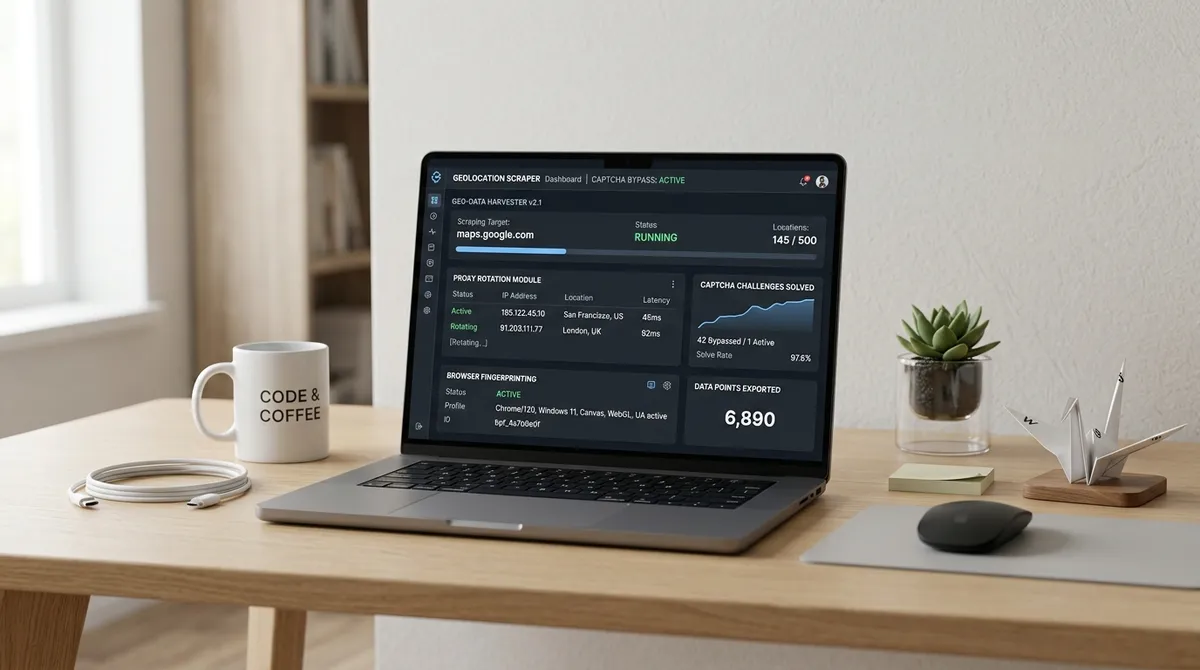
You've probably seen the term "scraper agent" appearing alongside every new AI lead generation tool and wondered whether it's just marketing language for a regular scraper with a fancier UI. It's not.
A Google Maps scraper agent is a fundamentally different thing from a traditional scraper, and the distinction matters — especially if you're running an agency where your best people shouldn't be doing data entry.
TL;DR: A scraper agent uses AI to interpret your goal in plain language, then executes the entire extraction workflow autonomously — searching, scrolling, filtering, and exporting without human input after the initial prompt. Traditional scrapers require you to configure every step. By 2026, over 40% of enterprise applications are expected to embed task-specific AI agents (Gartner, 2025). For Google Maps lead extraction, LeadsAgent is the only browser extension built on this agentic architecture from the ground up.
What is a Google Maps Scraper Agent?
A Google Maps scraper agent is an AI-powered tool that autonomously searches, scrolls, filters, and extracts business contact data from Google Maps based on plain-language goals. Unlike traditional scrapers that require manual configuration of CSS selectors and pagination rules, a scraper agent independently navigates layout changes and adapts to varying search results to export clean data.
What Makes Something a "Scraper Agent" vs. a Regular Scraper?
The word "agent" has a specific technical meaning in AI: an agent can perceive its environment, make decisions, and take actions to complete a goal — without being told exactly how to do it at each step.
Apply that to Google Maps scraping:
Traditional scraper: You specify a keyword, location, number of results, which fields to extract, and when to stop. The scraper executes those instructions exactly. If something changes — a new page layout, a missing field — it fails or returns incomplete data. You are the intelligence; the tool is the executor.
Scraper agent: You describe your goal: "Find electricians in Phoenix, Arizona without a website." The agent figures out the appropriate Google Maps search, handles pagination, checks each listing for the no-website condition, extracts the right fields, and exports the result. If the page layout changes or a listing loads differently, it adapts. The tool is the intelligence; you define the outcome.
| Traditional Scraper | Scraper Agent | |
|---|---|---|
| Input | Keyword + config parameters | Natural language goal description |
| Execution | Steps you specify | Steps AI determines |
| Error handling | Fails on unexpected changes | Adapts autonomously |
| Maintenance | Breaks with every layout change | Self-correcting |
| Human involvement | Required throughout | Required only at start |
| Result | Data per your config | Data matching your intent |
Key distinction: Traditional scrapers are synchronous — you wait for them. Agents are asynchronous — they work while you do something else. That's the shift that makes the difference in agency workflows. Nobody is waiting on hold while an agent runs. They're closing the last deal while the next lead list fills up.
Why Agencies Specifically Are Making the Switch

For a solo operator, the difference between a regular scraper and an agent is convenience. For an agency, it's economics.
Agencies sell time. Every hour spent configuring scrapers, cleaning export files, and troubleshooting broken selectors is an hour not spent on client work. A scraper agent doesn't just save time on the extraction itself — it eliminates the entire configuration and maintenance burden.
Here's what the practical workload looks like:
With a traditional Google Maps scraper:
- Open the tool
- Enter keyword, location, and number of results
- Configure which fields to extract
- Run the job and monitor for errors
- Download raw data
- Clean the CSV (remove duplicates, fix formatting)
- Apply filters manually (no-website, rating threshold, etc.)
Time: 45–90 minutes per campaign, plus ongoing maintenance when layouts change.
With a Google Maps scraper agent:
- Type your goal in plain English
- Press start
- Download clean CSV when done
Time: 10–15 minutes per campaign, including the prompt and download.
Companies using AI agents for sales and lead generation report a 50% increase in leads generated and a 25% boost in conversion rates (SuperAGI, 2025). The efficiency gain isn't just in the task itself — it compounds across every campaign.
Our finding: An agency running 5 lead generation campaigns per week spends roughly 5–7 hours on scraper configuration and data cleanup with traditional tools. With an agentic scraper, the same 5 campaigns take under 2 hours total — freeing 3–5 hours per week for billable client work.
For a deeper look at the technology behind agentic scraping, see our explainer: What is agentic scraping and how does it work?
Ready to put this to work? Try LeadsAgent free and run your first agency campaign in minutes — no configuration, just plain English.
How the LeadsAgent Scraper Agent Works in Practice
LeadsAgent (install free at leadsagent.io/download) is a Chrome and Edge extension with an AI agent at its core. Here's what happens when you run a campaign:
You describe the goal (10 seconds)
Open the extension. Type something like:
"Find roofing contractors in Houston, Texas who don't have a website"
That's the entire configuration. The agent interprets:
- Category: roofing contractors
- Location: Houston, Texas
- Filter: no website
The agent executes autonomously (8–15 minutes)
The agent opens Google Maps, runs the search, scrolls through results, checks each listing for a website URL, and extracts data from qualifying businesses. It handles the scroll-load cycle that trips up most simple scrapers. It doesn't require monitoring.
You download and deploy
When complete, click download. You get a structured CSV with:
- Business name
- Phone number
- Full address (street, city, state, ZIP)
- Star rating
- Review count
- Website (blank for filtered no-website results)
- Email (when found on the business's website)
No data cleaning needed. No duplicate removal. No column reformatting.
The No-Code Angle: Who Benefits Most
"No code" has become a common claim, but for Google Maps scrapers specifically, it's worth distinguishing between "no code but complex setup" and "genuinely type-and-go."
Traditional no-code scrapers like Octoparse or Outscraper have point-and-click interfaces, but still require you to:
- Configure the search template
- Select which data fields to extract
- Set pagination rules
- Run the job and monitor it
A scraper agent eliminates all of those steps. The AI interprets your intent and handles the configuration automatically. If you can write a text message, you can use LeadsAgent — no tutorial required.
This matters most for three agency roles:
Account managers who build client lead lists but aren't technical. Instead of asking a developer to run a scraper, they type their request and get the file.
Sales development reps (SDRs) who need fresh lead lists regularly. Instead of waiting on a data team, they self-serve each campaign.
Agency owners who are managing, not executing. Instead of building the process, they define the output and let the agent handle delivery.
Real Use Cases: What Agencies Are Asking the Agent to Do
From our internal usage data, here are the most common prompt patterns agencies use with LeadsAgent:
1. Building Niche Prospect Lists for Web Design
"Find landscaping companies in [city] without a website"
Web agencies use this to find businesses that need a website — their highest-intent prospecting segment. For a broader look at different angles, the seven campaign types guide walks through every approach.
2. Local SEO Client Acquisition
"Find restaurants in [city] with under 50 reviews and no website"
Digital marketing agencies target low-visibility businesses that would benefit from local SEO services.
3. Competitor Gap Analysis
"Find [category] businesses in [location] with under 3.5 stars"
Reputation management agencies find businesses with rating problems — and pitch review strategy as the fix.
4. Outreach List Building for SaaS
"Find real estate agencies in [state]"
SaaS companies targeting verticals use it to build targeted prospect lists without buying expensive B2B database access. If you're specifically after B2B prospects, the B2B lead generation from Google Maps guide has a dedicated workflow for that.
5. Recruitment Lead Generation
"Find staffing agencies in [city] with more than 50 reviews"
HR-adjacent agencies use Google Maps data to find established businesses in specific verticals for partnership outreach.
Why Not Just Use a Cloud-Based Scraper?
Common question. The tradeoff comes down to three things:
1. IP quality: Cloud scrapers send requests from shared data centre IPs. Google Maps detects this faster and returns rate-limited or incomplete results. A browser extension uses your personal residential IP — the same one you use to browse Google every day. It looks human because it is.
2. Setup complexity: Cloud APIs require API keys, configuration files, and often some JavaScript or Python familiarity. LeadsAgent is 30 seconds from install to first extraction.
3. Cost: Most cloud APIs charge per-record. At scale, that becomes expensive. LeadsAgent's free tier includes 1,000 leads per month at no cost.
The one advantage cloud scrapers have is raw volume — if you need 100,000 records in a single run, a cloud API can handle that where a browser extension would be slow. For agency-scale prospecting (50–500 qualified leads per campaign), an extension is faster, cheaper, and more reliable.
Frequently Asked Questions
Is a Google Maps scraper agent the same as an AI lead gen tool?
They overlap but aren't identical. An "AI lead gen tool" might use AI for personalisation, scoring, or enrichment — while still using a traditional rule-based scraper for collection. A scraper agent uses AI specifically to interpret your extraction goal and execute the workflow autonomously. LeadsAgent combines both: agentic extraction plus structured output ready for AI-enhanced outreach.
How is this different from just running a Google Maps search and manually copying data?
At a small scale, manual extraction is viable. At any meaningful scale — 50+ leads per week — manual copying is prohibitively slow and error-prone. AI-powered extraction achieves 99.5% accuracy vs. 85–90% for manual processes (ScrapingAPI, 2025), and the time savings are 15–20x versus manual methods.
Can the agent run multiple searches in sequence?
Yes. You can queue multiple campaigns with different niches and locations. The agent completes each in sequence and exports separate CSVs for each target.
What happens when Google Maps changes its layout?
Traditional scrapers break on layout changes and require a developer to update the selectors. Agentic scrapers read the page semantically — understanding what data means, not just where it's visually located — making them significantly more resilient to layout changes.
Does it work outside the United States?
Yes. LeadsAgent works with Google Maps globally. You can specify any city, region, or country in your prompt and it will execute the search for that location.
Try the Agent Yourself
The fastest way to understand what a scraper agent does differently is to run one.
Free Download
LeadsAgent — Google Maps Scraper Agent
Type your lead target in plain English. The AI agent handles the rest. 1,000 leads/month free — no code, no card, no configuration.
Install Free — Chrome & Edge
How to extract business emails from Google Maps — step-by-step →