Apify is a scraping platform built for developers. LeadsAgent is a Chrome extension built for people who sell websites and services. Same raw data source — completely different experience using them.
If you're a web agency, freelance web developer, or sales operator who just wants a lead list without writing code or managing cloud scrapers, this comparison will save you time.
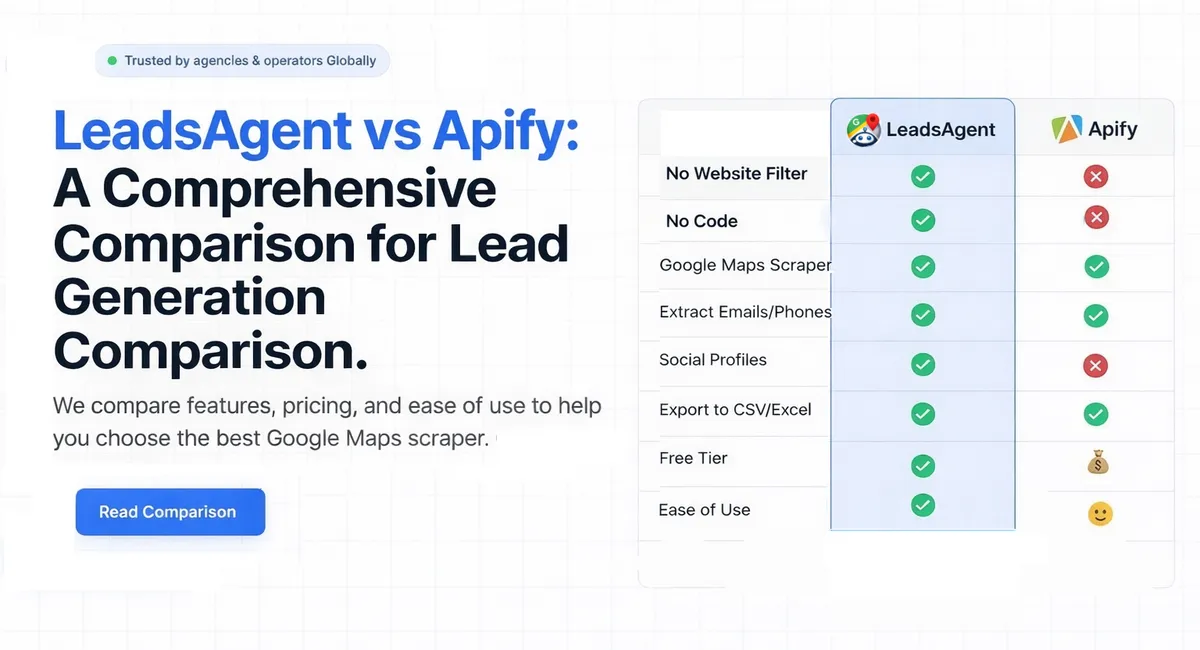
TL;DR: Apify is powerful but developer-oriented — it runs cloud "Actors," charges per result ($3–15 per 1,000), and requires configuration knowledge. LeadsAgent is a free browser extension (1,000 leads/month, no card) with a built-in no-website filter designed specifically for agencies prospecting businesses that need a website. If you don't write code, pick LeadsAgent.
Apify: built for developers, not for prospecting
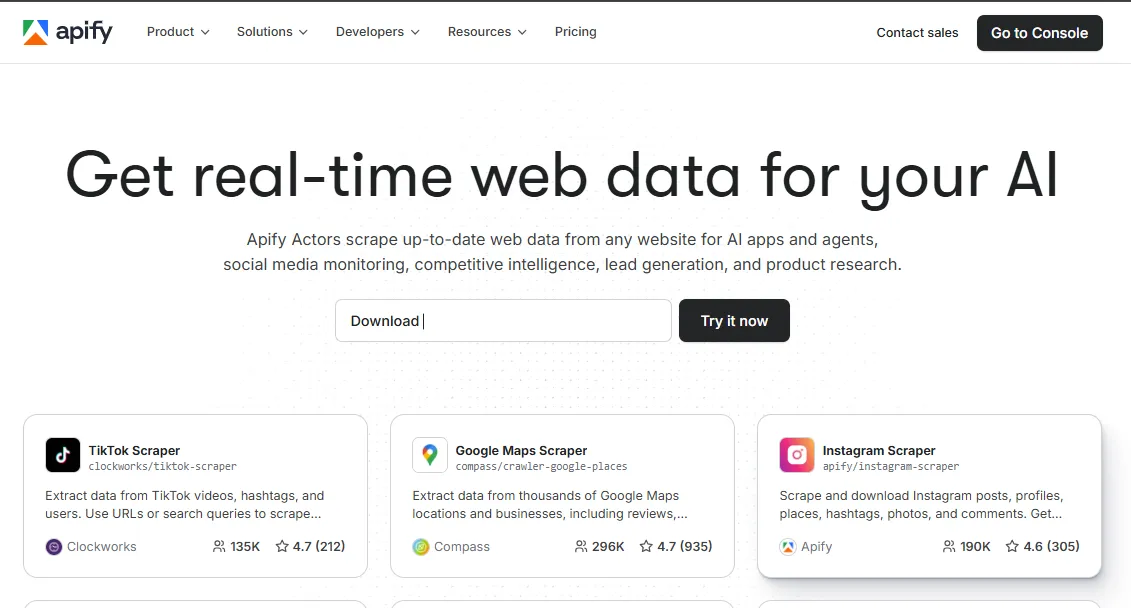
Apify (apify.com) is a full-fledged web scraping platform with hundreds of pre-built "Actors" — including several for Google Maps. You pick an Actor, configure inputs (keywords, coordinates, radius), run it in the cloud, and download results.
What works:
- Massive scale — handle thousands of queries across locations
- Rich integrations (Zapier, Make, webhooks, API)
- Multiple export formats (CSV, JSON, Excel, XML)
- 4.7-star rating across 935+ reviews on their platform
What doesn't work for agencies:
- Pricing is confusing — pay-per-result ($3–15 per 1,000 results) on top of a platform fee (~$49/month)
- Free tier gives $5/month in credits (roughly 2,000 leads) — sounds decent until credits run out mid-campaign
- No no-website filter — you'll have to export everything and manually sort for businesses without a site
- Configuration isn't trivial — you're setting up coordinates, radius filters, and Actor parameters
- No browser extension — it's a cloud dashboard, not a tool that works where you already are (Google Maps)
LeadsAgent: type what you want, get a lead list
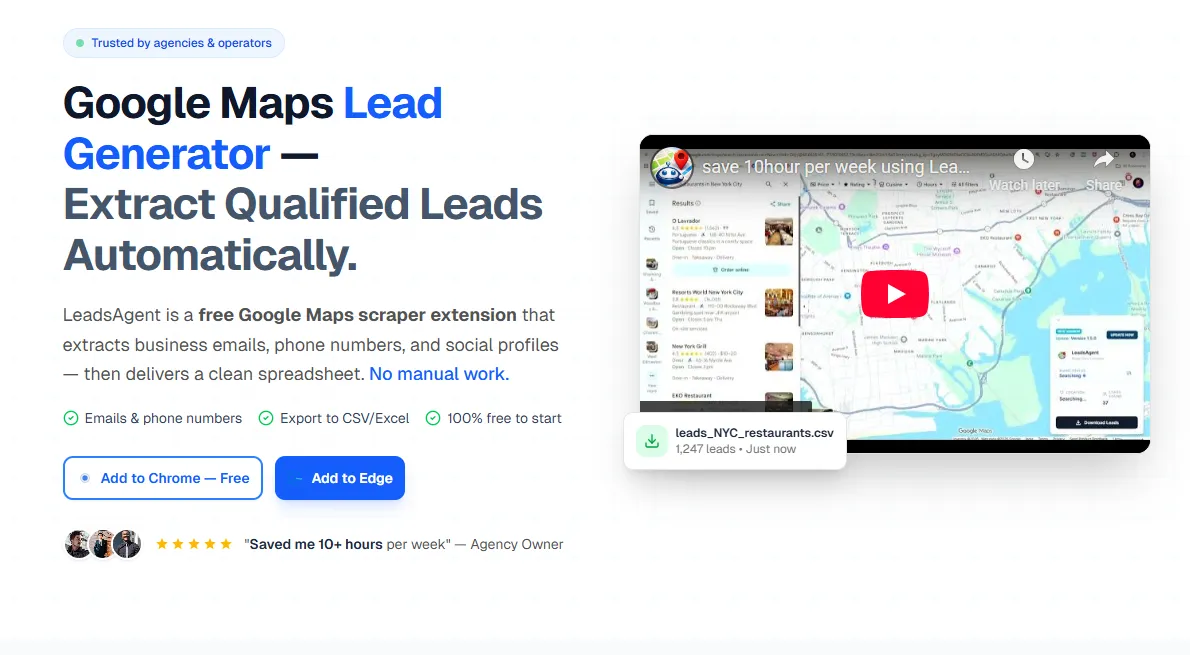
LeadsAgent (try it free at leadsagent.io/download) is a Chrome and Edge extension that runs directly on Google Maps. You describe your target in plain English — "landscapers in Denver without a website" — and the AI agent handles the rest.
Why agencies actually prefer this:
- No-website filter is built in. Type "plumbers in Austin without a website" and get exactly that. No post-export filtering, no spreadsheet cleanup
- 1,000 leads/month free — no credit card, no credit system that expires
- Zero configuration. No coordinates, no Actor setup, no cloud dashboard. Install, type, download
- Email extraction from websites — the agent visits business sites and pulls publicly displayed emails, not just what's listed on Google Maps
- Works where you work — right inside your browser, on the Google Maps tab you're already looking at
Quick comparison
| LeadsAgent | Apify | |
|---|---|---|
| Built for | Agencies, web devs, sales teams | Developers, data engineers |
| Free leads | 1,000/month | ~2,000 ($5 credit) |
| Pricing model | Simple tiers | Per-result + platform fee |
| No-website filter | Built-in | Not available |
| Setup required | None — plain English | Actor config + parameters |
| Email extraction | From business websites | Depends on Actor selected |
| Browser extension | Chrome + Edge | No — cloud only |
| Code required | No | Minimal (but helps) |
Who should use what?
Pick Apify if you're a developer building a custom data pipeline, need to scrape at enterprise scale across multiple sources, or already use their platform for other scrapers. It's genuinely good at what it does — just not designed for a non-technical person hunting local leads.
Pick LeadsAgent if you run a web agency, freelance as a web developer, or do B2B outreach to local businesses. Especially if you're looking for businesses without websites — that's our filter, our use case, our core user. You'll be extracting leads in under 2 minutes, not configuring a cloud Actor.
64% of small businesses in service trades still don't have a website (SCORE, 2024). If you sell web design, that's your market. LeadsAgent is built to find them. (Once you've got a list, our guide to finding web design clients using Google Maps covers the exact outreach framework that closes these leads.)
See why agencies switch — start free at leadsagent.io/download
**How agencies find plumbers without a website in 5 minutes →