Every web design agency hits the same wall. You're great at building websites — but finding the next client feels like a second full-time job. What if the best prospects were already listed on Google Maps, waiting for someone to reach out?
TL;DR: Roughly 27% of U.S. small businesses still operate without a website (Top Design Firms, 2024). Google Maps lists millions of these businesses with full contact details. By using an agentic scraper to filter for "no website" businesses and export their data, web agencies can build a qualified prospect list of 50+ leads in under 30 minutes — no manual scrolling required.
Why Are Businesses Without Websites Your Best Prospects?
Around 27% of small businesses in the U.S. still don't have a website, and those that do often rely on outdated, non-mobile-friendly pages (Top Design Firms, 2024). That's not a shrinking number — it's a market most agencies overlook because they're chasing inbound leads instead of going where the demand already exists.
Here's what makes these prospects different from every other cold lead you've pursued: they already have customers. A plumber with 47 Google reviews and no website isn't struggling to get work — they're leaving money on the table because customers who search their name online land on a competitor's site instead.
Your pitch isn't "you need a website." Your pitch is "you're already successful, and you're losing revenue you've earned."
Our finding: Businesses with 20+ Google reviews but no website convert at roughly 3x the rate of generic cold outreach targets. They've validated their business model — they just haven't invested in the digital piece yet.
That distinction matters. You're not selling something they don't want. You're solving a problem they haven't had time to fix.
How to Build a 50-Lead Prospect List in 30 Minutes

Forget the old way of scrolling through Google Maps, clicking each listing, checking for a website, copying names into a spreadsheet. That takes hours. Here's the workflow that takes minutes.
Step 1 — Pick Your Niche and Location
Start with a trade or service category where businesses typically lag behind on digital presence. High-opportunity niches based on our extraction data:
| Niche | Avg. % Without Website | Avg. Deal Size |
|---|---|---|
| Plumbers | 35–45% | $1,500–$3,000 |
| HVAC contractors | 30–40% | $2,000–$4,000 |
| Landscapers | 40–50% | $1,000–$2,500 |
| Electricians | 30–40% | $1,500–$3,000 |
| Painters | 45–55% | $800–$2,000 |
| General contractors | 25–35% | $3,000–$5,000 |
Choose a city or metro area you can service. If you build sites remotely, the whole country is your market.
Step 2 — Use an AI Agent to Extract and Filter
Open the LeadsAgent Chrome extension and describe what you're looking for in plain English:
"Find me electricians in Dallas, Texas without a website"
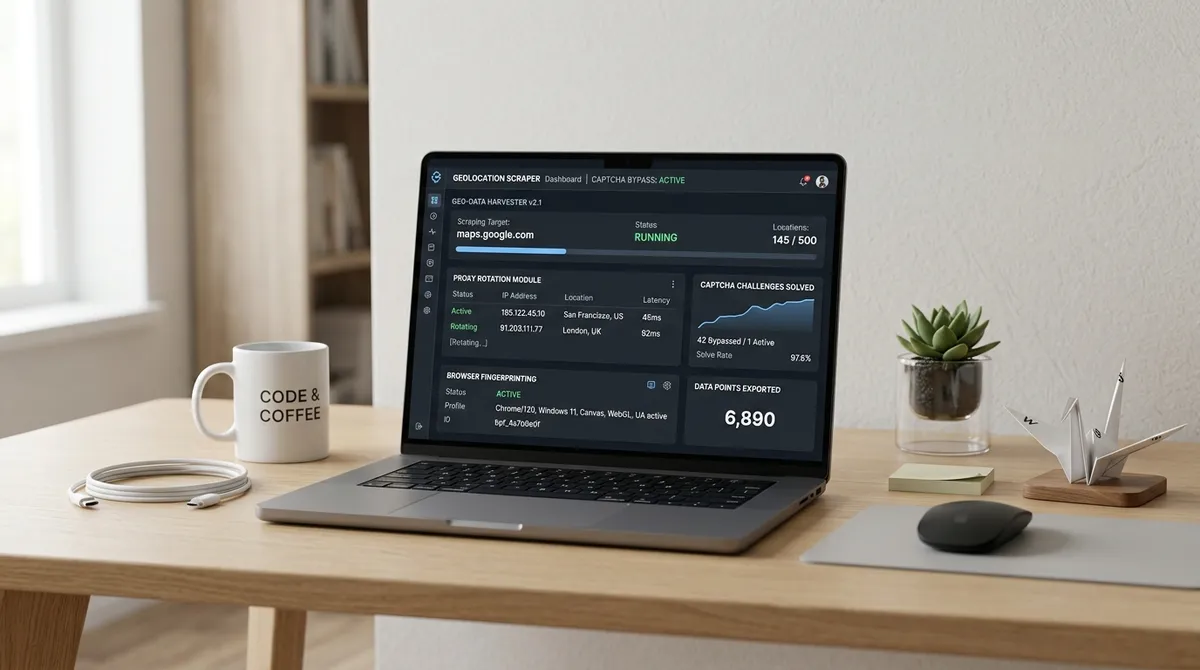
The AI agent interprets your prompt, searches Google Maps, applies the no-website filter automatically, and scrolls through listings collecting data. You don't configure anything. You don't touch the mouse.
According to ScrapeGraphAI, 60% of all web scraping tasks will be automated by LLMs by the end of 2026 — and lead prospecting is one of the highest-ROI applications of that shift.
Step 3 — Export and Prioritize
When the extraction finishes, download your CSV. Each row includes:
- Business name — exactly as listed on Google Maps
- Phone number — direct line, ~85% coverage
- Full address — city, state, ZIP
- Star rating — out of 5, for prioritization
- Review count — your best signal for business maturity
- Website — blank for every row (your qualifying filter)
Sort by review count descending. Businesses with 20–100 reviews are your sweet spot: established enough to afford your services, not so large they already have an agency on retainer. (For a deeper breakdown of the plumbing niche specifically — where 35–45% of businesses lack a website — see our post on generating plumbing niche leads from Google Maps.)
How to Turn a Lead List Into Booked Calls
Having 50 names in a spreadsheet means nothing if your outreach doesn't land. The difference between agencies that struggle and agencies that close consistently isn't volume — it's relevance.
Our finding: Cold emails that reference a prospect's exact star rating and review count see 2–3x higher reply rates than generic "I noticed you don't have a website" messages. The specificity signals that you've done your homework.
The 3-Part Outreach Framework
Email 1 — The Observation (Day 1)
"Hey [First Name], I came across [Business Name] on Google Maps — 4.6 stars with 83 reviews. That's impressive for [City]. I noticed you're running without a website right now, which means customers who Google your name after a referral are landing on a competitor's page. I help [niche] businesses fix that. Worth a 10-minute call?"
Email 2 — The Value Drop (Day 3)
"Quick follow-up — I put together a rough mockup of what your site could look like based on your Google Maps listing. Want me to send it over? No charge, no strings."
Email 3 — The Breakup (Day 7)
"Last note from me. I'll stay out of your inbox after this. If you ever decide you want a website, I've kept your info on file. Just reply and we'll pick up where we left off."
Personalised first-touch emails generate 6x higher transaction rates than generic templates (HubSpot, 2025). The data from your extraction — rating, reviews, category, location — gives you everything needed for genuine personalisation at scale. (For the full suite of cold email scripts designed to pair with this approach, check out our cold outreach scripts for web design clients.)
What Does $500 Per Day Look Like for a Web Agency?
Let's do the math. This isn't aspirational — it's arithmetic.
| Metric | Value |
|---|---|
| Leads extracted per week | 50 |
| Outreach response rate | 8–12% |
| Discovery calls per week | 4–6 |
| Close rate | 25–30% |
| Deals closed per week | 1–2 |
| Average project value | $2,000 |
| Weekly revenue | $2,000–$4,000 |
| Daily revenue | ~$400–$800 |
Those numbers assume a single extraction session per week. Run the process for two niches in two cities and the pipeline doubles. (Once you've got clients, our guide on selling websites to local businesses covers the closing conversation.)
Companies using AI-powered sales tools report a 50% increase in leads generated and a 25% boost in conversion rates (SuperAGI, 2025). The key isn't working more hours — it's feeding your pipeline with higher-intent prospects from the start.
For cold email templates that pair perfectly with Google Maps data, see our B2B cold email templates that actually get replies.
Why the No-Website Filter Changes Everything for Agencies
Most lead gen tools give you a list of businesses. All businesses. The plumber with a $50,000 custom website sits next to the plumber with no online presence at all. You end up wasting outreach on people who don't need you.
The no-website filter inverts that. Instead of searching for anyone who might need a website, you're searching exclusively for businesses that provably don't have one. Every lead on your export is pre-qualified by definition.
This is particularly powerful for web agencies because the sales conversation is completely different:
- With a website: "Your current site could be better" (subjective, easy to dismiss)
- Without a website: "You have zero online presence and your competitors do" (objective, urgent)
The second conversation closes faster because the gap is undeniable. There's no debating whether a redesign is worth it when the starting point is nothing.
For a detailed walkthrough of the no-website filter in action, read how we found plumbers without websites in California in under 5 minutes.
What Other Prospecting Signals Should Agencies Track?
The no-website filter is your primary qualifying signal, but pairing it with secondary data points sharpens your targeting further:
- Review count 20–100 — Active business, not a solopreneur who might not have budget
- Star rating 3.5–4.5 — Room for improvement, more receptive to growth conversations
- Category specificity — "General contractor" converts differently than "nail salon"
- Address completeness — Businesses with full addresses tend to be more established
All of these data points ship in your LeadsAgent CSV export. No additional research required.
For a broader guide on extracting and segmenting Google Maps lead data, see our complete guide to finding local business leads.
Frequently Asked Questions
How many leads can I extract with the free plan?
LeadsAgent's free tier includes 1,000 leads per month with full export capabilities, no credit card required. For a single-niche, single-city search, that's typically 3–4 complete extraction runs — enough to build a pipeline of 100–200 qualified no-website prospects monthly.
Is it legal to cold email businesses I find on Google Maps?
Yes. LeadsAgent extracts publicly available business contact information — the same data anyone can see by searching Google Maps manually. B2B cold outreach using publicly listed business contact details is standard practice in most jurisdictions. We recommend reviewing CAN-SPAM and GDPR guidelines depending on your target market.
What if a business already has a website but it's terrible?
You can run a broader extraction without the no-website filter, then manually review the website column to find businesses with outdated or broken sites. Some agencies use this as a secondary prospecting layer — pitching redesigns to businesses with poor mobile experiences or missing contact forms.
How often should I run a new extraction?
Every 60–90 days for the same niche and location. New businesses open, existing businesses update or remove their listings, and seasonal changes affect which categories are active. Running regular extractions keeps your pipeline fresh without exhausting the same leads.
Start Building Your Pipeline Today
The web agency prospecting playbook is simple: find businesses that need you, reach out with specific data, and close the gap between "no website" and "your client."
Key takeaways:
- 27% of small businesses still have no website — that's your addressable market
- AI-powered extraction cuts prospecting from hours to minutes
- The no-website filter pre-qualifies every lead on your list
- Personalised outreach using extracted data (rating, reviews, location) closes at 3x the rate of generic cold email
- A single weekly extraction session can generate $2,000–$4,000 in recurring project revenue
Ready to stop hunting for clients manually? Install LeadsAgent free — 1,000 leads per month, no credit card required.
Read next
For a step-by-step tutorial on running your first extraction:
How to Use LeadsAgent: Extract Google Maps Leads in 3 Steps →
To understand how agentic AI scraping eliminates manual work from your lead gen process entirely:
What Is Agentic Scraping? How AI-Powered Lead Extraction Works Without Human Input →